- Browser-based login for Odoo accounts using two-factor authentication, SSO, or custom web login flows
- Credentials mode remains available for password or Odoo API key connections
- Refreshed server configuration screen with a clearer login method selector
- Clearer guidance when an account requires 2FA
- Saved login sessions continue to be stored locally in the system Keychain
Odoo
Projects
A native Odoo project and task client for iPhone, iPad, and Mac — multi-server, direct, and useful offline.
iOS · iPadOS · macOS
v1.5
8.2 MB
One-time purchase · Universal app for iPhone, iPad, and Mac
§ 01 — About
A native Odoo project and task client for iPhone, iPad, and Mac — multi-server, direct, and useful offline.
Built for Odoo users who don't always sit at a desk — from the office to the workshop, the field, or the commute.
OdooProjects connects directly to your self-hosted or cloud Odoo instance using your Odoo credentials. No third-party servers, no data leaving your infrastructure — just a native client for managing projects and tasks.
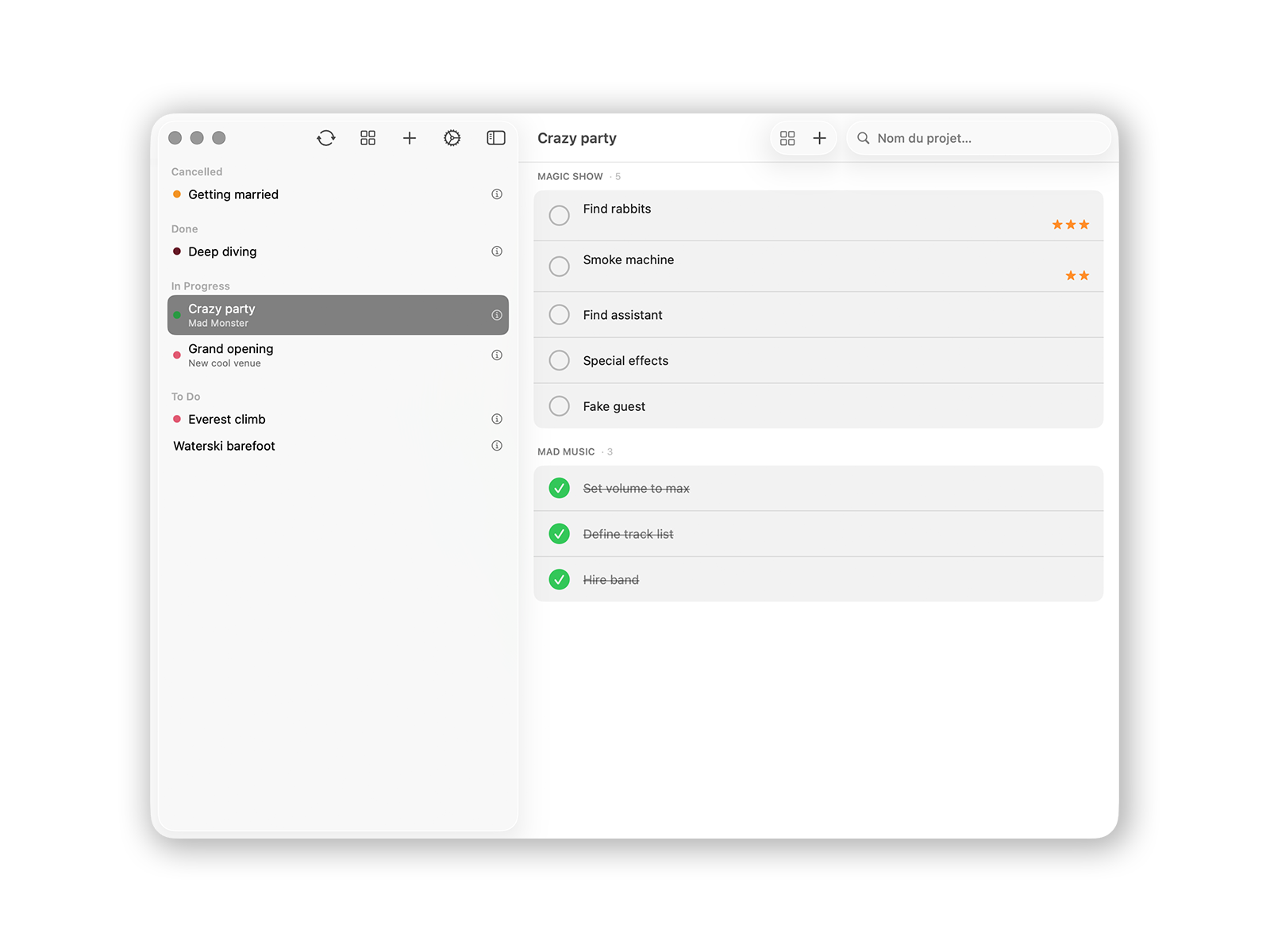
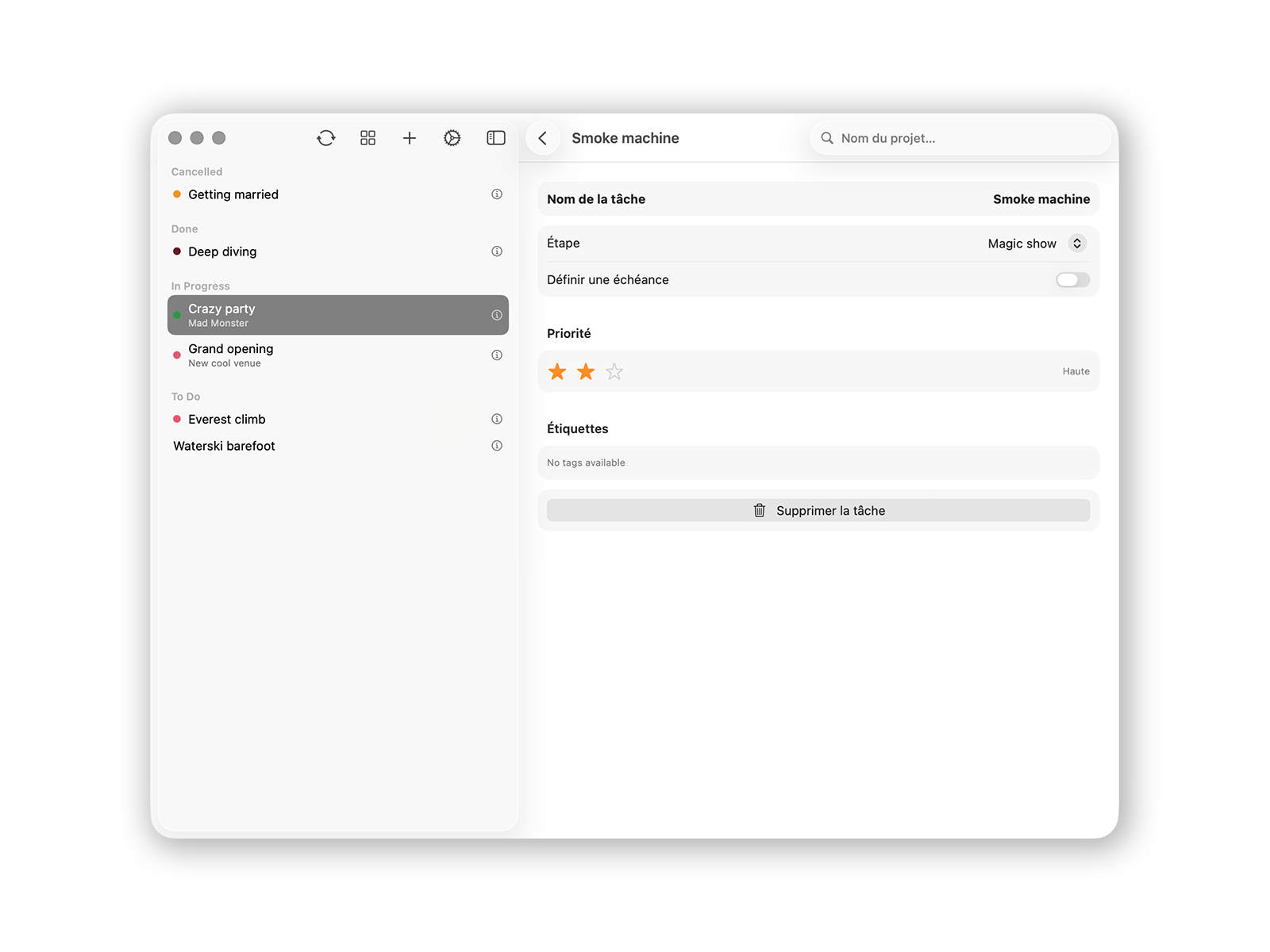
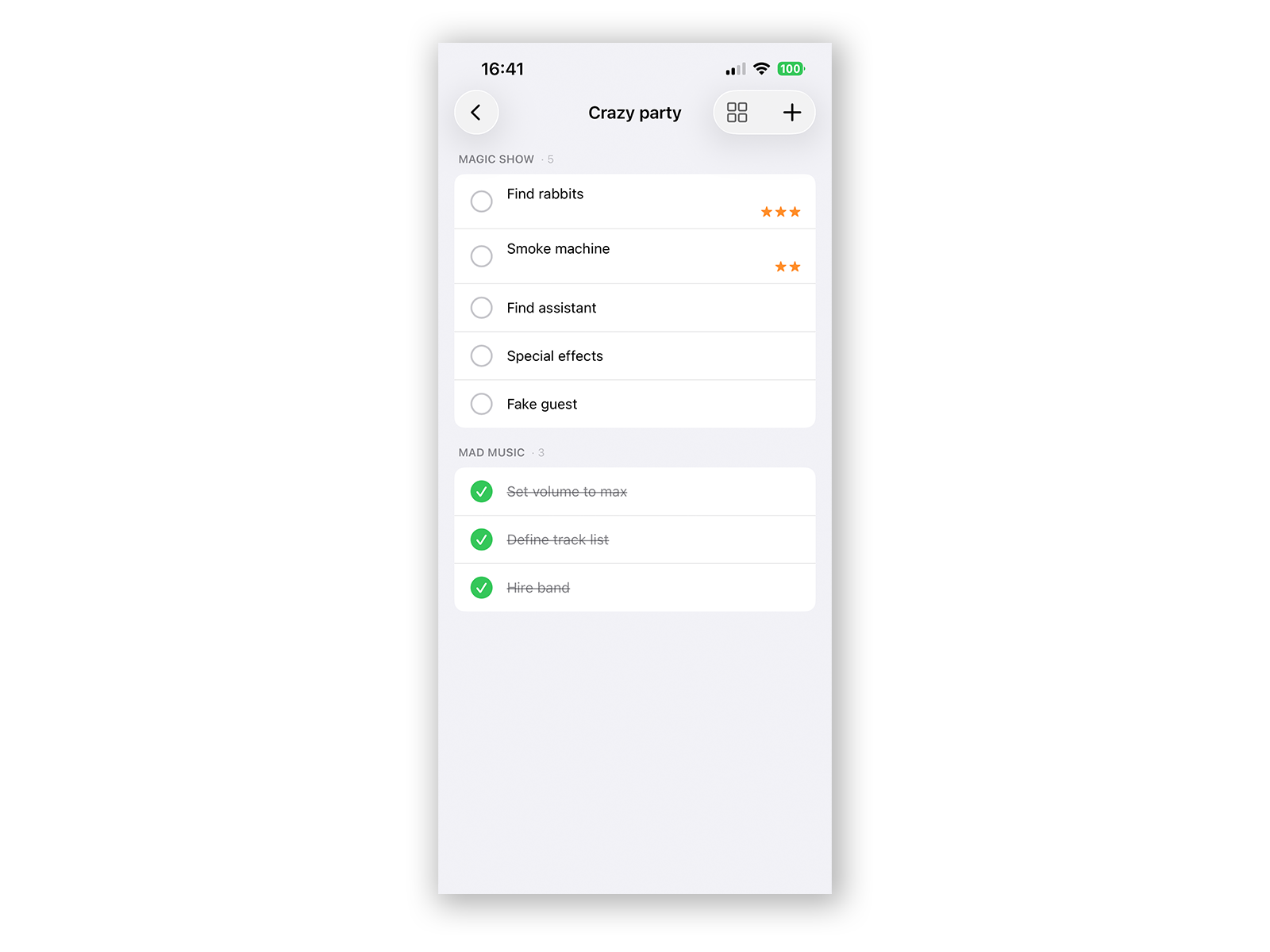
Keep connections to multiple Odoo servers and switch workspaces in seconds. List projects, view them as Kanban boards, manage stages, update tasks, assign team members, and track deadlines without going through the web interface.
Projects, tasks, and stages are cached locally, so the app stays useful when the network doesn't. Offline mode is read-only; edits and sync happen when your Odoo server is reachable again.
§ 02 — Features
Three things it does well.
01
Multi-server
Keep persistent connections to as many Odoo instances as you need. Switch between them instantly — no logging in and out, no waiting.
02
Local cache
Projects and tasks are stored locally for fast loading and read-only offline review. Create, edit, and delete items when your server is reachable.
03
List & Kanban
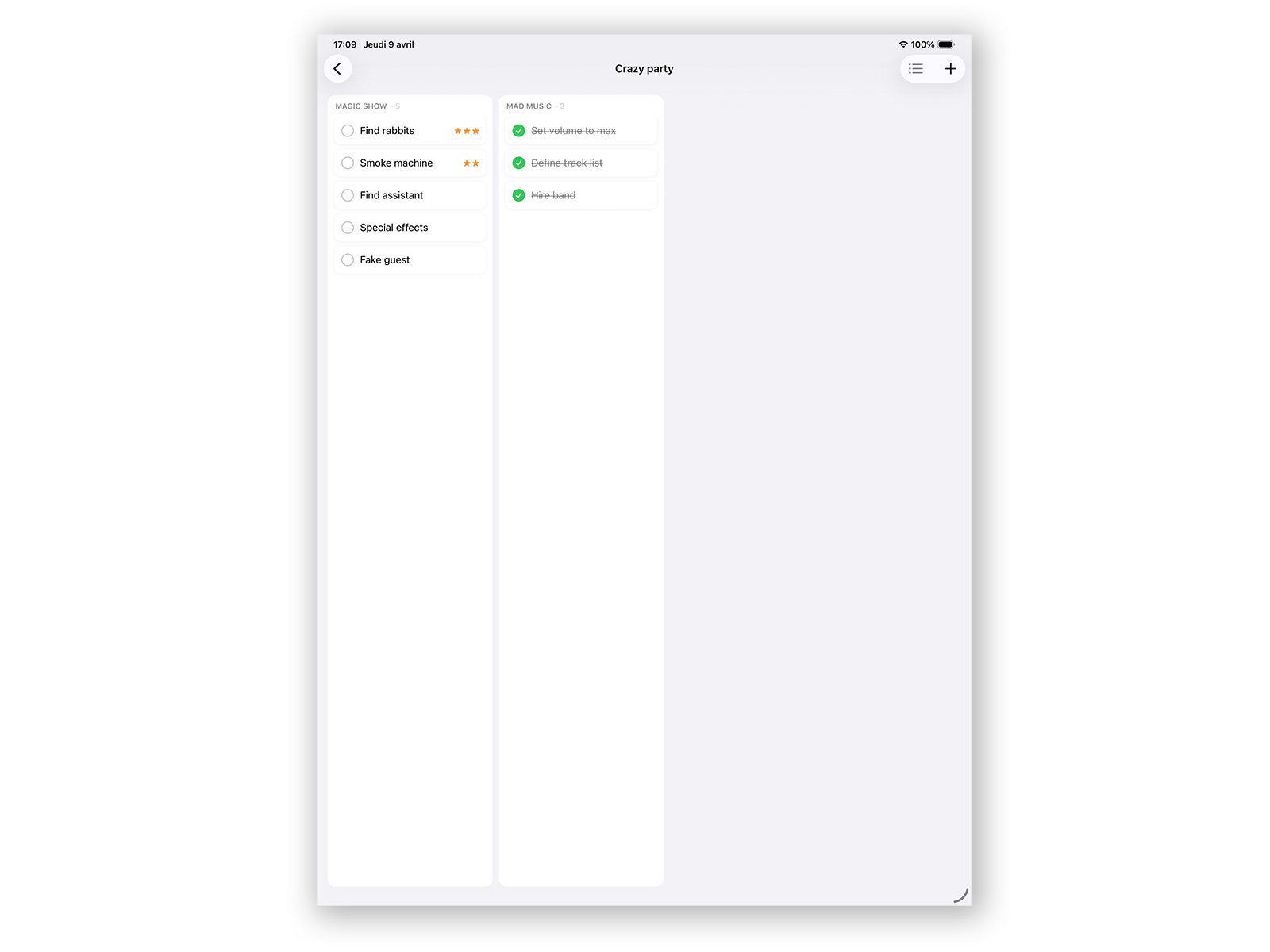
Two views for two workflows. Flat lists when you need an overview, Kanban boards when you need to see stages, progress, and what's coming next.
§ 03 — Gallery
Screenshots.
§ 04 — Requirements
What you need.
Platforms
iPhone, iPad, Mac
Operating system
iOS 17 · iPadOS 17 · macOS 15.6 or later
Disk space
8.2 MB
Odoo access
Modern Odoo instance with project/task access
Server access
Self-hosted, Odoo.sh, or Odoo Online instance reachable from your device
Account
Valid Odoo credentials required
Latest version
1.5 — improved login for 2FA and SSO
§ 05 — Release notes
What's new.
- Initial release
- Multi-server support with instant switching
- Local cache for fast loading and offline read-only browsing
- List and Kanban views for projects and tasks
- Online creation and editing for projects and tasks
- Universal app — iPhone, iPad, and Mac
§ 06 — FAQ
Quick answers.
01 How do I connect my Odoo server?
On first launch, tap Add Server and enter your Odoo URL (e.g.
https://mycompany.odoo.com), the database name, and your Odoo username plus password or API key. The app stores credentials securely in the system keychain. You can add as many servers as you want.02 Which Odoo setups are supported?
OdooProjects is built for modern Odoo instances with project and task models available through Odoo's standard web API. It can connect to self-hosted servers, Odoo.sh, or Odoo Online when the server is reachable from your device.
03 Does it work offline?
Partially. Projects, tasks, and stages are cached locally so you can browse and review them without an internet connection. Offline mode is read-only: creating, editing, and deleting require a connection to your Odoo server.
04 How does the multi-server feature work?
Add as many Odoo servers as you want from the app's settings. Each server keeps its own data cache. Switch between them with a single tap — no sign-in required each time, no waiting for the web interface to reload.
05 Are my Odoo credentials sent to SIGMASIX?
No. OdooProjects connects directly from your device to your Odoo instance. No traffic is routed through SIGMASIX servers. Your credentials are stored locally in the system keychain and used only to talk to the Odoo URLs you have configured.
06 How do I move my license to another device?
OdooProjects is distributed through the App Store. Apple ties the license to your Apple ID — just sign in with the same Apple ID on the new device and download the app again.
07 Can I get a refund?
Refunds for App Store purchases are handled by Apple, not by SIGMASIX. Request one via reportaproblem.apple.com.
Still stuck? Contact support →
Ready when you are.
One-time purchase · Universal app for iPhone, iPad, and Mac